

A Google Business Profile can show a verified badge in your account and still be absent from public results. That does not always mean verification failed. The important first step is to identify whether the profile is unpublished, restricted or visible but outranked.
Why Is My Google Business Profile Not Showing After Verification?
Verification confirms that Google accepts you as an authorised representative of the business. It does not guarantee instant publication or a high position in local results. A verified profile may still be processing, under review, restricted, treated as a duplicate or too weak to appear for a competitive non-branded search.
Start with a precise test. Search the exact business name together with its town or street. Then open Google Maps in a private browser window and repeat the search from the area the business serves. If the profile appears for the exact name, you probably have a local ranking problem, not a verification problem.
If it does not appear even for the exact business name, sign in with the owner account and check the message shown on the profile. Words such as processing, under review, not visible, suspended or duplicate point to different recovery paths. Take a screenshot before changing anything.
First, Identify Which Problem You Actually Have
Business owners often use “not showing” to describe four different situations. The correct fix depends on which one you have.
Not Public Anywhere
The profile cannot be found by its exact name in Search or Maps, even near the business.
Publishing issueVisible by Name Only
The listing appears for the brand name but not for searches such as “dentist near me”.
Ranking issueVisible on One Surface
The profile appears in Maps but is difficult to find in the local pack on Search, or the reverse.
Query and location issueRestricted or Suspended
The owner interface shows that customers cannot see the profile or that an appeal is required.
Policy issue
How Long Does Google Business Profile Take to Appear After Verification?
Google says that after you complete the verification steps, its review can take up to five business days. Some profiles are verified immediately, while others need a manual review. The time needed can vary with the verification method, the business category, recent edits and the evidence Google needs to assess legitimacy.
A confirmation, postcard code, phone step or video is completed. Avoid making non-essential edits now.
Monitor the owner interface and email. Keep the business name, address and category stable.
Use the official verification status tool. If it says verified but the listing is still not public, contact support.
A postcard delivery time is separate from the review that follows code entry. Video verification also needs time for Google to assess location, equipment and proof of management. If your message says Google is processing verification, let that period finish before changing the address or resubmitting evidence.
12 Reasons Your Google Business Profile Is Not Showing
Work through these reasons in order. The earlier items concern publication and policy. The later items concern relevance, prominence and the way local results change by searcher location.
Your Google Business Profile Is Still Under Review
The owner dashboard may say verified while another part of the profile still says processing. This can happen immediately after video, phone or postcard verification, or after an important change.
Fix: Check the official verification status tool, wait through the stated review period and monitor the owner email. If the tool says verified but the public listing remains absent after five business days, use the contact option on the status page.
The Profile Has Been Suspended or Restricted
A restriction can prevent a verified profile from appearing publicly. Google may restrict content or the entire profile when it believes the business is ineligible, information is misleading or policy requirements are not met.
Fix: Read the exact notice, review the profile against Google’s guidelines and correct only factual problems. Then use the official appeal tool. Submit documents that match the profile instead of repeatedly editing and appealing without evidence.
The Business Information Does Not Match Google Guidelines
Common risks include adding services or locations to the business name, using a virtual office that the business does not staff, showing a home address for a service-area business that does not receive customers there, or listing an online-only business.
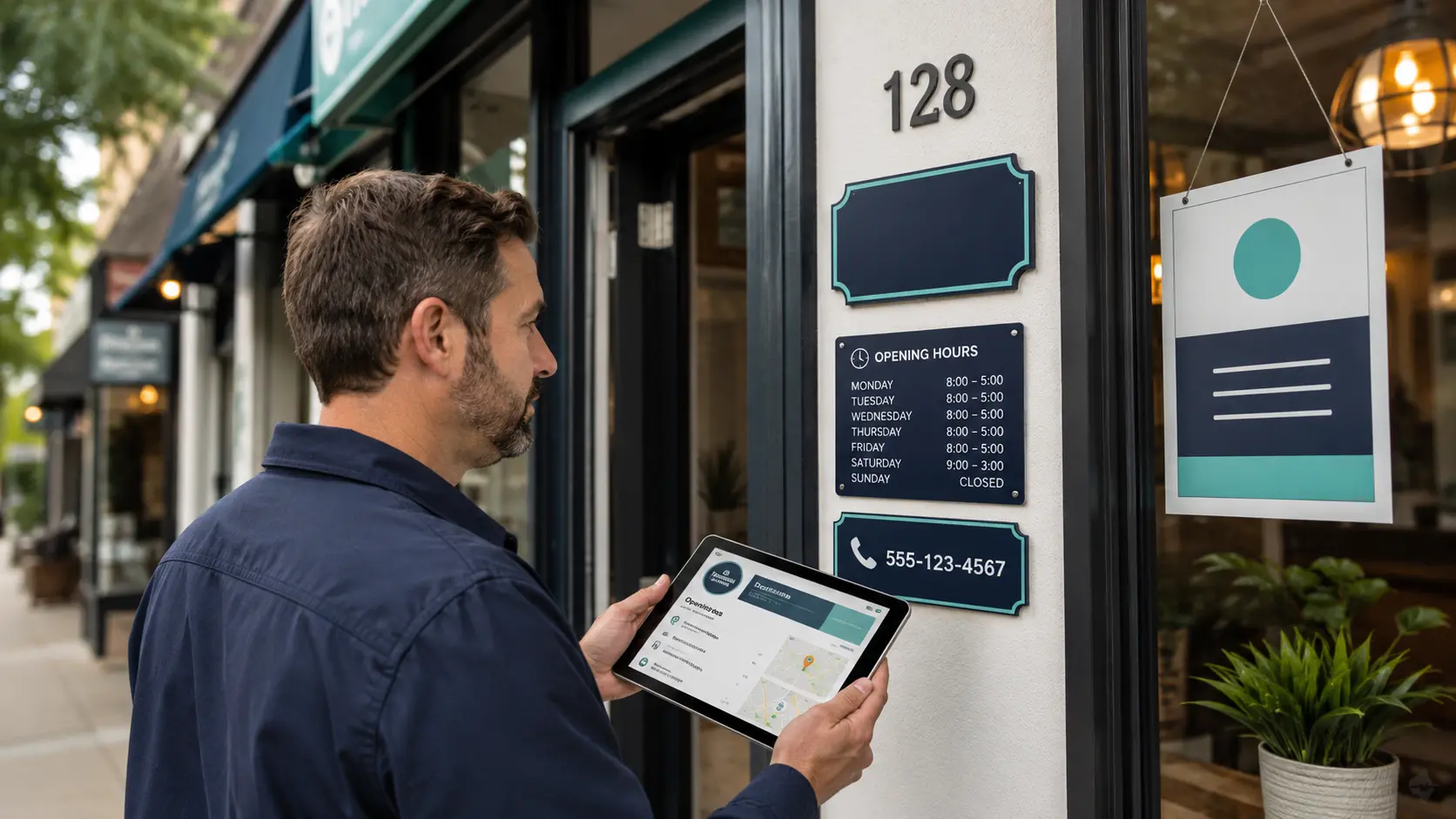
Fix: Make the profile represent the real-world business. Use the name visible on permanent signage and official materials. Show an address only when customers can visit it during stated hours. Otherwise configure a truthful service area and hide the residential address.
The Primary Business Category Is Inaccurate
The primary category tells Google what the business fundamentally is. A weak or incorrect choice can reduce relevance for the searches that matter, even when the profile is technically live.
Fix: Choose the most specific category that describes the core business, not the service you hope to rank for. Add a small number of accurate secondary categories. Do not keep changing categories to test rankings while verification is processing.
The Address or Service Area Is Causing a Problem
A missing suite number, misplaced map pin, shared address, recent move or incorrect service-area setup can make the profile difficult to validate. A business that changed address may also trigger another review.
Fix: Compare the profile with the address on the website, signage and official documents. Place the map pin at the real entrance. If customers do not visit the location, hide the address and set genuine service areas rather than trying to cover an unrealistically large region.
A Duplicate Business Profile Already Exists
Google may identify the new profile as a duplicate of an older, unclaimed or forgotten listing. Reviews and ranking signals can also be split across two profiles for the same business.
Fix: Search Maps for the business name, old phone numbers, previous addresses and brand variations. Do not delete a profile with valuable reviews. When two profiles represent the same business at the same location, follow Google’s duplicate resolution process or ask support whether a merge is appropriate.
The Profile Has Limited Trust Signals
A verified badge proves control, not the strength of the business entity. A new profile with a thin website, inconsistent citations and little evidence of local activity may have limited prominence.
Fix: Use a website that clearly shows the business name, contact details, services and location. Keep the name, address and phone number consistent on important directories and industry associations. Earn legitimate mentions and links rather than buying bulk citations.
Important Profile Fields Are Incomplete
An empty profile gives Google and potential customers less context. Missing hours, services, website, description or images can also make a legitimate listing look neglected.
Fix: Complete every relevant field with accurate information. Add normal and special hours, a direct website page, real photos, services or products and a concise description. Completeness supports understanding, but avoid padding fields with repeated keywords.
The Business Has Little Review or Local Activity
No reviews do not stop an eligible profile from being published. They can, however, affect how persuasive and prominent the business appears compared with established competitors.
Fix: Build a simple, policy-compliant review request into normal customer follow-up. Ask all suitable customers rather than selecting only happy customers. Respond thoughtfully and continue adding current photos and useful profile updates.
Recent Edits Triggered Another Review
Changes to the business name, address, phone number, primary category, website or ownership can prompt Google to reassess the listing. Several changes in quick succession make it harder to see which edit caused the delay.
Fix: Stop unnecessary edits and let the current change process. Keep a record of the old and new values, the date of each edit and any email from Google. If the change is rejected, submit evidence that supports the accurate value.
You Are Searching from the Wrong Location
Local results are not identical for every searcher. A service-area business can be visible near its base and absent many kilometres away. Personalisation, device location and map zoom also change what you see.
Fix: Test the exact business name first. Then test a small set of commercial searches from realistic customer locations. Use a private browser and compare Maps with Search. Do not treat one search from your office as a complete visibility report.
Local Ranking Systems or Spam Filters Are Limiting Visibility
A listing may be live but filtered from a crowded result because several businesses share an address, categories are highly competitive or Google has stronger evidence for nearby alternatives. Verification does not guarantee placement in the local pack.
Fix: Improve relevance through accurate categories, services and location pages. Improve prominence through genuine reviews, authoritative citations, local links and a useful website. Avoid tactics that imitate competitors’ spam, because a temporary gain can become a restriction later.
Verified, Visible and Ranking Are Different States
| State | What it means | Best test | Next action |
|---|---|---|---|
| Verified | Google has accepted the ownership verification. | Check the signed-in profile or status tool. | Wait if processing is still shown. |
| Public | A customer can open the listing in Search or Maps. | Search the exact name and town while signed out. | Investigate review, restriction or duplicate status if absent. |
| Ranking | The profile appears for a non-branded local query. | Test relevant searches from several real locations. | Improve relevance, distance coverage where possible and prominence. |
| Performing | The profile produces calls, directions, website visits or leads. | Review profile performance and business outcomes. | Improve offers, proof, landing pages and customer experience. |
Google describes local ranking mainly through relevance, distance and prominence. Relevance is how well the profile matches the query. Distance is how far the business is from the searcher or named location. Prominence is how well known and trusted the business appears online and offline. Verification supports eligibility, but it does not override these ranking systems.
A Practical Recovery Checklist
Follow This Order Before You Contact Support
- Search the exact business name with the town, street or phone number.
- Check Google Maps while signed out or in a private browser window.
- Open the verification status tool with the owner account and record its result.
- Read every dashboard notice and save screenshots before editing.
- Check for an existing duplicate using old names, numbers and addresses.
- Compare the profile with real-world evidence including signage, website and official documents.
- Confirm the primary category accurately describes the main business.
- Review the address and service area against Google’s eligibility rules.
- Wait through the stated processing period without making repeated changes.
- Contact the correct support route with a clean timeline and matching evidence.
This order preserves evidence and reduces variables. If you change the name, category, address and website together, then create a duplicate, neither you nor support can easily identify the original cause.
What to Check After an Address Change, Rebrand or Ownership Transfer
After Adding or Changing an Address
Confirm that the business is actually eligible to display the location. The address should match the website and documents, the map pin should sit at the correct entrance and permanent signage should reflect the business. Do not create a new profile simply because the business moved.
After a Rebrand
A minor name update and a completely new business identity are not the same. Keep supporting evidence such as registration changes, updated signage, website pages and customer communications. If an old and new profile both exist, ask support about the right resolution before removing either one.
After an Ownership Transfer
Make sure the correct account has primary ownership and previous managers no longer control critical information. A legitimate ownership change should normally preserve the established profile rather than starting again. Check that the business itself, not an agency employee, retains long-term control.
After Several Profile Edits
Record what changed and when. Wait for pending edits to resolve before making more. If Google rejects a change, check whether public evidence supports it. A website, business directory and storefront that still show the old information can weaken the case for a new value.
What Not to Do When Your Listing Disappears
- Create a second profile for the same business and address
- Add city names or services to the official business name
- Change the primary category repeatedly to force a ranking
- Use a virtual office that the business does not staff
- Publish a home address when customers cannot visit it
- Delete an established profile that contains real reviews
- Buy reviews, links or mass directory submissions
- Submit repeated appeals without correcting the underlying issue
These actions can turn a recoverable delay into a duplicate, policy or ownership problem. The safest approach is to keep the profile accurate, preserve its history and make only changes you can support with evidence.
When to Contact Google Business Profile Support
Contact support when the official status tool shows verified but the public profile is still missing after the stated processing period, when the owner interface is stuck in conflicting states, or when a duplicate or ownership problem cannot be resolved through the available controls.
If the profile is suspended or restricted, use the appeal route instead of a general visibility request. First align the profile with Google’s guidelines. An appeal is stronger when the business details and evidence tell the same story.
Frequently Asked Questions
Why is my Google Business Profile not showing after verification?
The profile may still be processing, under review, restricted, duplicated or affected by an address or guideline issue. It may also be public but not ranking for the broad keyword you searched. Test the exact business name before making changes.
How long does Google Business Profile take to appear after verification?
Google states that verification review can take up to five business days. Some profiles appear sooner. If the status tool says verified but the profile is still not public after that period, contact Google Business Profile support.
Why is my verified business not showing on Google Maps?
Check whether it appears for the exact business name near the location. If it does, the issue is probably local ranking. If it does not, inspect processing, restriction, duplicate, address and eligibility status.
Can a profile be approved but not visible publicly?
Yes. Ownership verification and public visibility are separate checkpoints. Processing, policy review, major edits or conflicting business data can delay or restrict public appearance.
Why does my Google Business Profile show no views?
Low or zero views do not automatically mean the profile is unpublished. A new profile may receive little search demand or rank only for a narrow set of queries. Confirm public visibility by searching the exact business name while signed out.
Why is my business not appearing in local search?
If the listing appears by exact name but not for a service query, improve relevance, prominence and the wider local SEO foundation. Distance also affects results and cannot be solved by adding extra place names to the business name.
Can changing the address make a verified profile disappear?
Yes. An address change can trigger another review, especially when the new location, map pin, website and supporting documents do not align. Keep evidence and avoid repeated edits while the change is processing.
Should I make a new profile after a rebrand?
Usually not without checking the existing profile and Google’s rules. A new listing can become a duplicate and split reviews. Preserve the established profile when it still represents the same business, and seek support for complex rebrand cases.
Does verification guarantee that I will rank in the Google local pack?
No. Verification confirms authorised control. Google says local ranking is influenced mainly by relevance, distance and prominence. A verified profile can be public yet absent from the first local results for a competitive query.
How do I know if my profile is suspended?
Sign in with an owner account and read the profile notice and email from Google. If an appeal is required, review the policy problem, correct inaccurate information and submit matching business evidence through the official appeal tool.
Fix the Status Before Chasing the Ranking
A verified Google Business Profile that is not showing is frustrating, but random edits usually make the diagnosis harder. First establish whether the listing is public. Then separate processing, policy, duplicate and data-quality problems from normal local ranking competition.
Keep the business information faithful to the real world, document every change and use official support routes with clear evidence. Once the profile is public and stable, improve the wider local search foundation through a useful website, consistent business information, genuine reviews and relevant local authority.
Continue with Cresto Digital
Still Unable to Find Your Business on Google?
Cresto Digital can review the profile status, public listing, website and local search signals, then separate a technical visibility problem from a competitive ranking problem.
Request a Google Business Profile review →