

Moving premises is already a logistical project. Moving the business on Google adds another layer because an address is not just a line of contact information. It helps Google decide whether a business is legitimate, where it is relevant, and which nearby searchers it may serve. The safest approach is to preserve the existing profile, change only what is genuinely changing, prepare evidence for reverification and monitor the new location methodically.
Do not create a new Google Business Profile just because the business is moving. Update the address on the verified existing profile, place the map pin accurately and complete any reverification Google requests. If the same business keeps the same name, Google says its reviews normally transfer automatically. Local visibility may still change because the new address changes the business's distance from searchers.
What Happens When You Move a Google Business Profile?
For a genuine relocation, the profile should continue to represent the same real-world business at its new location. The listing does not need to be abandoned and rebuilt. Google explicitly says not to create a new Business Profile because of a physical location or ownership change. That single instruction prevents many of the worst relocation problems.
After the address edit, Google reviews the new information. The visible address or map pin may update quickly, remain pending, or trigger a request to verify again. Google says ordinary profile edits usually appear in about 10 minutes, although some can take up to 30 days. Its verification review may take up to five business days and, on rare occasions, longer.
The customer-facing result is not identical for every move. A shop relocating two streets away may retain much of its existing search market. A dentist moving across a city, or a service business changing from a hidden address to a staffed office, creates a much larger geographic and eligibility change. That is why a move should be treated as both a data update and a local search transition.
Choose the Right Relocation Scenario First
Before editing anything, identify which business event is actually happening. The correct action depends on whether the original operation continues, closes, expands or changes identity.
| Business Event | Correct Profile Action | What Usually Happens to Reviews | Main Risk |
|---|---|---|---|
| Same business moves | Edit the address on the existing profile | Google says they transfer automatically when the name stays the same | Reverification and temporary visibility changes |
| Second staffed location opens | Keep the first profile and create a separate eligible profile for the new location | Reviews remain attached to the location where customers left them | Duplicating the first location instead of creating a distinct branch |
| Ownership changes | Transfer profile ownership when the same named business continues | Google says reviews remain when the name stays the same | Creating another profile or losing account access |
| Major rebrand or new operation | Assess whether Google considers it a new business | A significant name change may not qualify for review transfer | Trying to inherit reviews that no longer describe the same business |
| Service-area business moves home or office | Update the underlying address, hide it if customers are not served there and edit the service area | Reviews stay on the existing profile | Displaying an ineligible residential or virtual address |
| Old site closes but brand continues elsewhere | Update the existing profile if this is a true relocation, not a new branch | Normally preserved for the continuing business | Marking the original profile permanently closed before the move is resolved |
Will Reviews, Photos and Profile Data Stay?
Reviews Normally Follow the Same Business
Google's published rule is reassuring: when a business moves to a new address and keeps the same business name, Google transfers the reviews automatically. There are category exceptions. Google specifically mentions hotels, golf courses and scenic attractions as examples where reviews may not move automatically.
If someone has already created and verified a second profile because of the relocation, Google advises contacting support to transfer the reviews. Do not assume that leaving both listings active will solve the problem. Google allows only one profile per business, and a duplicate may not appear in Search or Maps.
Profile Content Usually Stays With the Profile
Editing the existing listing preserves the profile as the working record rather than starting a separate record. That generally keeps its content, managers and operational history together. Still, the content should be audited after a move. Old exterior photos, parking instructions and entrance details can mislead customers even when they technically remain attached.
- Keep useful product, team and service photos that still represent the business.
- Add current exterior, entrance, interior and accessibility photos.
- Remove owner-uploaded images that clearly direct people to the former site.
- Update appointment, menu, booking and website links if the move changed them.
- Check hours, holiday hours, phone routing and service areas.
Do not promise that every historical field, photo ordering rule or performance comparison will remain untouched. Google documents review movement clearly, but it does not guarantee an identical presentation of every profile element after every kind of business change.
Will Local Rankings Drop After the Address Change?
They can change, but the useful explanation is not that the profile has automatically lost all authority or been reset. Google says local results are primarily based on relevance, distance and popularity. An address move changes the distance component immediately. It also places the business among a different set of nearby competitors and searchers.
A business can therefore remain fully verified and still rank differently. Moving closer to a valuable search area may improve visibility there while reducing visibility around the previous address. A larger move usually produces a larger change in the geographic pattern. This is an expected consequence of local search, not proof of a penalty.
Distance Changes
The new coordinates alter how close the business is to each searcher and named location.
Competition Changes
The profile enters a different local competitive set, even when the services and category stay the same.
Data Confidence Changes
Conflicting addresses across the website and trusted directories can slow the formation of a clear location signal.
Customer Behaviour Changes
Driving requests, calls and visits can move with the customer base, which changes the commercial impact of rankings.
Measure the move by more than one keyword at one location. Search results are localized. Use a consistent set of services, neighbourhoods and devices, then compare calls, directions, website visits, bookings and qualified leads. If the listing is verified but invisible, use the diagnostic steps in our Google Business Profile visibility guide.
Why Google May Ask You to Verify Again
An address is a strong identity and eligibility signal. Google may ask for additional information or reverification after important details change so it can confirm that the business genuinely operates at the new location. The method is selected automatically based on the business, region and available public information. Owners cannot simply choose any method they prefer.
For video or live verification, Google may ask the owner to demonstrate three things: the current location, the real operation and control of the business. That can include exterior signs, nearby street context, branded equipment, products, work tools, employee-only areas, keys or non-sensitive business documents.
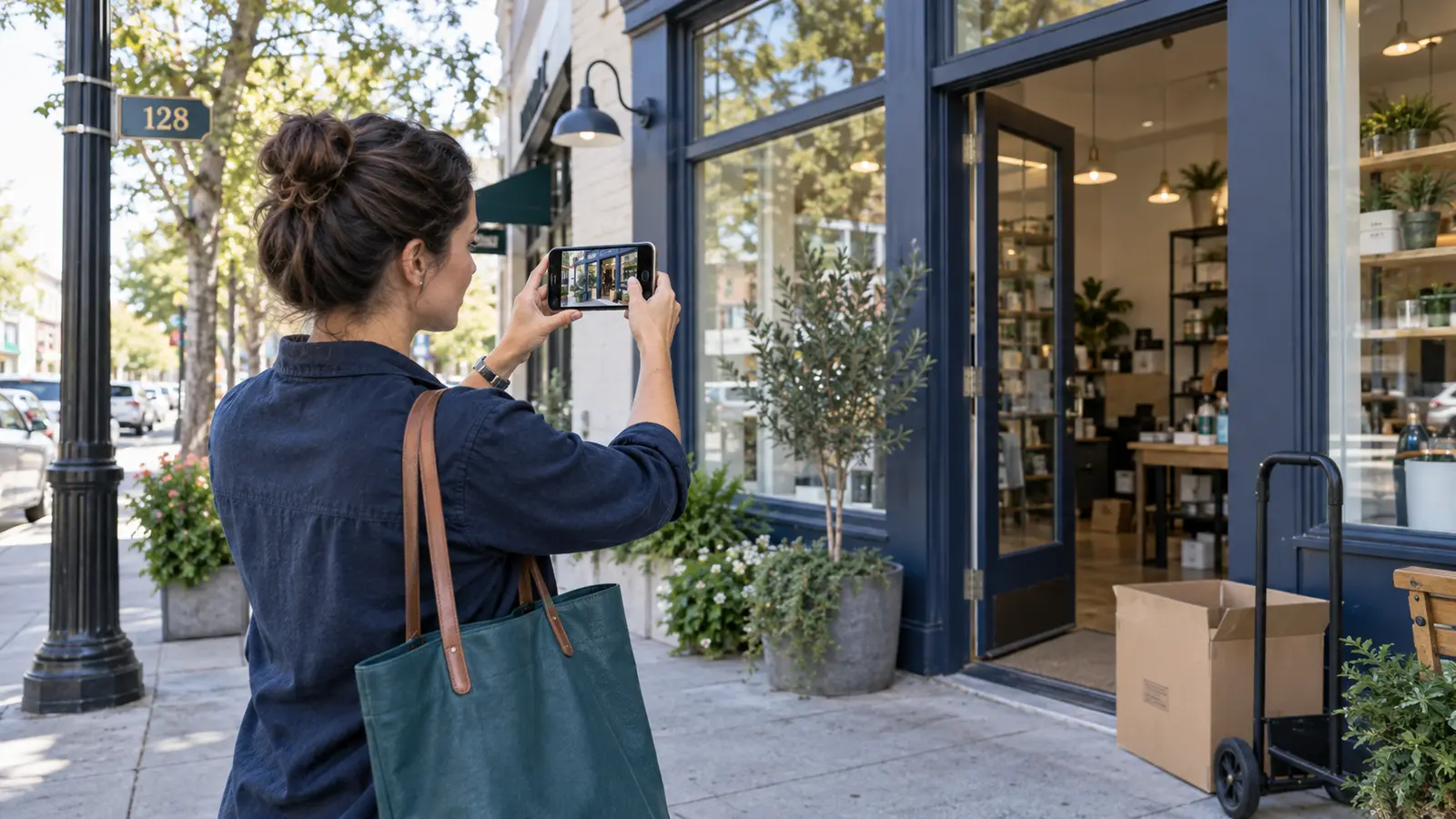
Twelve Things to Prepare Before the Move
A good relocation starts before the address field is edited. This is an operational checklist, not a promise that every move will be instant.
Pre-Move Checklist
- Confirm that this is one continuing business, not a second branch.
- Keep owner access under a company-controlled Google account.
- Record the current profile URL, place identifier and visible review count.
- Export or record recent performance metrics for a clean baseline.
- Photograph the old and new premises before signs or access change.
- Install permanent real-world signage at the new customer-facing location.
- Collect a lease, utility record, licence or registration showing the new address.
- Confirm the official postal format, unit number and entrance location.
- Prepare a working phone, website contact page and location page.
- List important directories, maps, industry profiles and data partners to update.
- Plan how customers will learn about the move through email, social channels and on-site signs.
- Choose one responsible person to make and document profile changes.
The evidence should reflect the real business, not be created merely for the profile. Google expects the online representation to match the name, location and branding customers see in the physical world.
How to Move a Google Business Profile in Ten Steps
- Sign in with the existing owner account. Search for the business name and city or use Google's Business Profile management entry point.
- Check for unexpected listings. Search the old address, new address, phone number and business name in Maps. Resolve obvious ownership conflicts before creating more data.
- Confirm eligibility at the new location. A visible-address location should be staffed, customer-facing and represented accurately. A virtual office or remote mailbox is not eligible.
- Open the location editor. Select Edit profile, then Location, then edit Business location.
- Enter the complete official address. Include legitimate suite, floor or unit details. Do not add directions or promotional text to the address field.
- Place the map pin accurately. If Google cannot recognize the address, use Adjust and position the pin at the actual entrance or business location.
- Save once and wait for review. Avoid repeatedly resubmitting the same address while the edit is pending.
- Complete the offered verification. Follow the exact method shown. Be ready with physical and management evidence.
- Update the wider location ecosystem. Change the website contact page, structured data and important authoritative listings so the address is consistent.
- Audit the live result. Check the address, pin, route, hours, phone, website, photos, reviews and search visibility from outside the owner account.
Google notes that address changes usually appear quickly but may take up to 30 days. That outer limit is not a reason to ignore a clearly rejected edit or a verification warning. It is a reason to distinguish a normal pending state from an actual problem.
Rules for Storefront, Hybrid and Service-Area Businesses
Storefront Businesses
A storefront serves customers at the stated location. The address should be precise, the business should be present during listed hours and permanent signage should match the name used on the profile. A shop inside another building should use legitimate unit or floor details where applicable.
Hybrid Businesses
A hybrid business serves customers at its location and travels to them. It can normally show the staffed address and define a service area. The physical location still needs to be a real customer-facing base.
Service-Area Businesses
A business that visits customers but does not receive them at its base should hide the address and list the service area. Moving a home or operational base does not make that private address suitable for public display. Google's guidelines also say a virtual office is not eligible unless the location meets the specific staffed, signed and customer-facing requirements.
What to Do If You Created a New Profile by Mistake
Do not keep both profiles active and wait for Google to choose. Duplicate records can split customer actions, confuse directions and prevent one listing from appearing. Google says there should only be one profile per business.
- Record the URLs, addresses, review counts, owners and verification states of both profiles.
- Decide which profile represents the continuing business and has the strongest legitimate history.
- Make the factual business information consistent where you can do so without creating false data.
- Use Google's duplicate-resolution flow or contact support.
- Explain that the second profile was created during a relocation and request review transfer if applicable.
- Save screenshots and case identifiers until the public result is correct.
Google notes that a merge combines reviews, but replies to reviews may be lost. Profiles must represent the same business and carry the same information before a merge is appropriate. A competitor, former tenant or genuinely separate branch is not a duplicate simply because it shares an address.
A Practical Thirty-Day Monitoring Plan
The goal is not to stare at one rank tracker every hour. It is to detect whether the profile, customer journey and local signals agree about the new location.
| Period | What to Check | Action Threshold |
|---|---|---|
| Day 0 | Address, pin, verification status, profile URL, reviews and owner access | Correct factual errors immediately, but do not submit repeated identical edits |
| Days 1 to 5 | Verification messages, public profile, route accuracy, calls and website links | Respond to requested evidence and document rejection messages |
| Days 6 to 14 | Brand searches, core service searches, map visibility, directory consistency and customer questions | Investigate if the profile is missing, disabled or still points to the old location |
| Days 15 to 30 | Calls, directions, site visits, bookings, leads and a stable local rank sample | Escalate unresolved address or duplicate problems with an evidence pack |
| After Day 30 | Commercial performance by area and updated competitive landscape | Adjust local landing pages and strategy based on the new market, not the old baseline alone |

If rankings move, compare the geography before deciding there is a technical failure. The business may now be stronger near the new site and weaker near the old one. A thoughtful SEO consulting engagement can combine profile checks, local landing pages, website signals and conversion data into one diagnosis.
Ten Common Google Business Profile Moving Mistakes
Creating a New Profile
This discards continuity and introduces a duplicate when the existing profile should be edited.
Changing Everything Together
A simultaneous name, category, address, phone and website change makes the business harder to validate.
Using a Virtual Address
A remote mailbox or unstaffed office does not become eligible because it looks professional online.
Moving Before Signs Exist
Video evidence is weak when the business cannot be recognized at the new location.
Displaying a Private Base
Service-area businesses should hide an address where customers are not served.
Ignoring the Map Pin
A correct postal address can still send drivers to the wrong entrance or building.
Requesting Repeated Codes
New postcard requests invalidate earlier codes and can lengthen the process.
Leaving Old Directions Live
Old contact pages, maps and photos create a poor customer experience even if the profile is correct.
Measuring One Search
Local results vary by searcher location, intent and competitive context.
Opening Another Profile During Appeal
If the profile is suspended, gather evidence and use the appeal route instead of multiplying listings.
Build a Support Evidence Pack
If the edit is rejected, the profile disappears or an appeal is required, send a concise factual record. Google lists documents such as business registration, licences, tax certificates and utility bills as potentially useful evidence for appeals. The business name and address on the documents should match the profile.
- Profile URL and business name
- Old and new full addresses
- Date of the real move and date of the profile edit
- Exterior photos showing permanent signage and street context
- Interior photos showing the active business
- Non-sensitive proof of management or access
- Registration, licence, lease or utility evidence with matching details
- Screenshots of errors, verification status and duplicate profiles
- Previous support case numbers
A well-organized evidence pack reduces ambiguity. It does not justify keyword-stuffed names, borrowed addresses or an ineligible location.
Frequently Asked Questions
Will I Lose My Google Reviews If I Change My Business Address?
Normally no. Google says reviews transfer automatically when the same business moves and keeps the same name. Some categories may require additional support.
Should I Create a New Google Business Profile When I Move?
No. Google specifically advises against creating a new profile because of a physical move or ownership change. Edit the existing profile.
Will Changing My Address Trigger Reverification?
It can. Google may request additional information or reverification when important details change. The verification choices are selected automatically.
How Long Does an Address Change Take?
Google says changes usually appear in about 10 minutes but can take up to 30 days. A verification review may take up to five business days and occasionally longer.
Will My Google Maps Rankings Drop After Moving?
Visibility may change because the new coordinates change distance to searchers and the surrounding competitor set. This is not automatically a penalty or total reset.
What Happens to My Photos and Posts?
They generally remain with the existing profile, but owners should audit outdated exterior and direction images and add current photos of the new location.
What If I Accidentally Created a Second Profile?
Document both profiles and use Google's duplicate resolution or support process. Ask about review transfer if the duplicate was created during a legitimate move.
Can a Service-Area Business Show Its Home Address?
Only if customers are genuinely served there and the location meets Google's rules. Otherwise, hide the address and display the service area.
Should I Change My Business Name During the Move?
Only if the real-world name has genuinely changed. Combining unrelated edits increases complexity, and a major rebrand may be treated as a new business.
How Can I Prove the New Location Is Real?
Prepare permanent signage, exterior and street context, business equipment, proof of access and matching official documents. Follow the exact verification instructions shown on the profile.
Related Cresto Digital Guides
Planning a Business Move?
Cresto Digital can review your profile, website, location signals and post-move visibility before small inconsistencies become expensive customer and ranking problems.
Talk to an SEO Specialist